
Fail2ban Manager
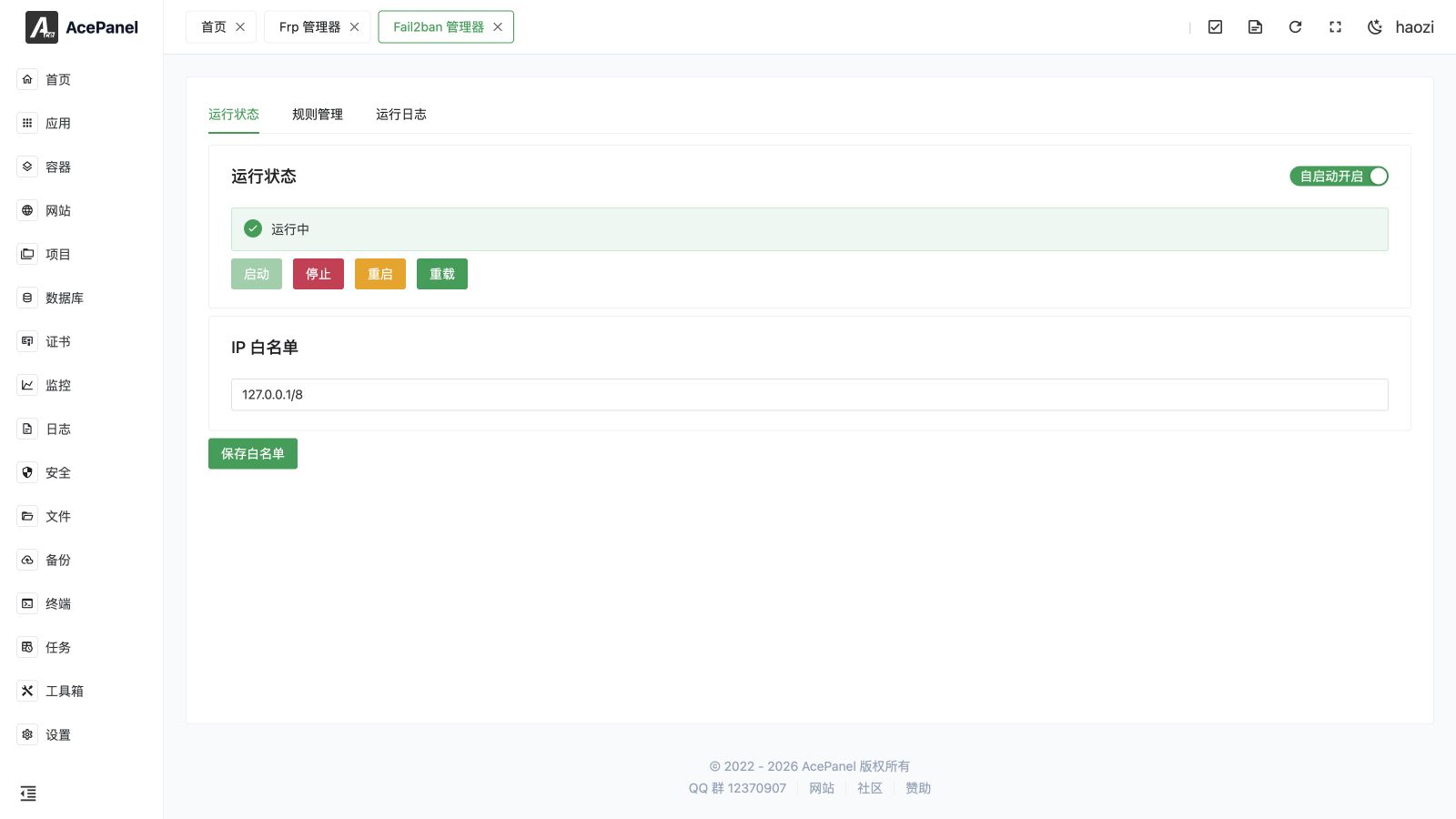
Fail2ban watches service logs and temporarily blocks addresses that repeatedly fail authentication or trigger a configured pattern. AcePanel provides a visual manager after the Fail2ban native application is installed.
Go to Apps > Installed > Fail2ban > Manage.
Prerequisites
- Linux with Fail2ban installed through AcePanel.
- A supported system firewall and readable service or website logs.
- Correct server time, because detection windows and ban expiration depend on it.
Dashboard and Lists
The manager shows the service status, total bans, current bans, the whitelist, the ban list, configured rules, and runtime logs. A current ban can be removed with Unban; doing so does not disable the rule and the address can be banned again.
Whitelist only trusted, stable source addresses. Whitelisting a large CIDR range or a dynamic client network can remove meaningful protection.
Create a Rule
Rules can be created for a managed website or a service. Configure:
| Field | Meaning |
|---|---|
| Target | The website or service whose log and filter are monitored. |
| Maximum retries | Number of matching failures allowed inside the detection window. |
| Detection window | Time in which the retry count is accumulated. |
| Ban time | How long the source address remains blocked. |
Start with a threshold that matches the application's normal behavior. Very low retry limits can block legitimate users, health checks, or shared office addresses.
Common Workflow
- Start Fail2ban and verify that the selected service writes the expected log.
- Create a rule for one website or service.
- Generate a harmless failed login from a test address.
- Confirm that the rule counter changes and that the address appears in the ban list only after the threshold.
- Use Unban after the test and review the run log.
Troubleshooting
- No bans appear: confirm the log path, filter, service time, and firewall backend.
- A legitimate address is banned: unban it, adjust the retry/window values, and add a narrow whitelist entry if appropriate.
- Fail2ban is running but traffic is unaffected: check whether its firewall action matches the active firewall manager and address family.
- A rule fails to start: open its details and the runtime log; invalid filters and missing log files are common causes.
Fail2ban complements, but does not replace, firewall rules, SSH hardening, application authentication, and alerting.