
FRP Manager
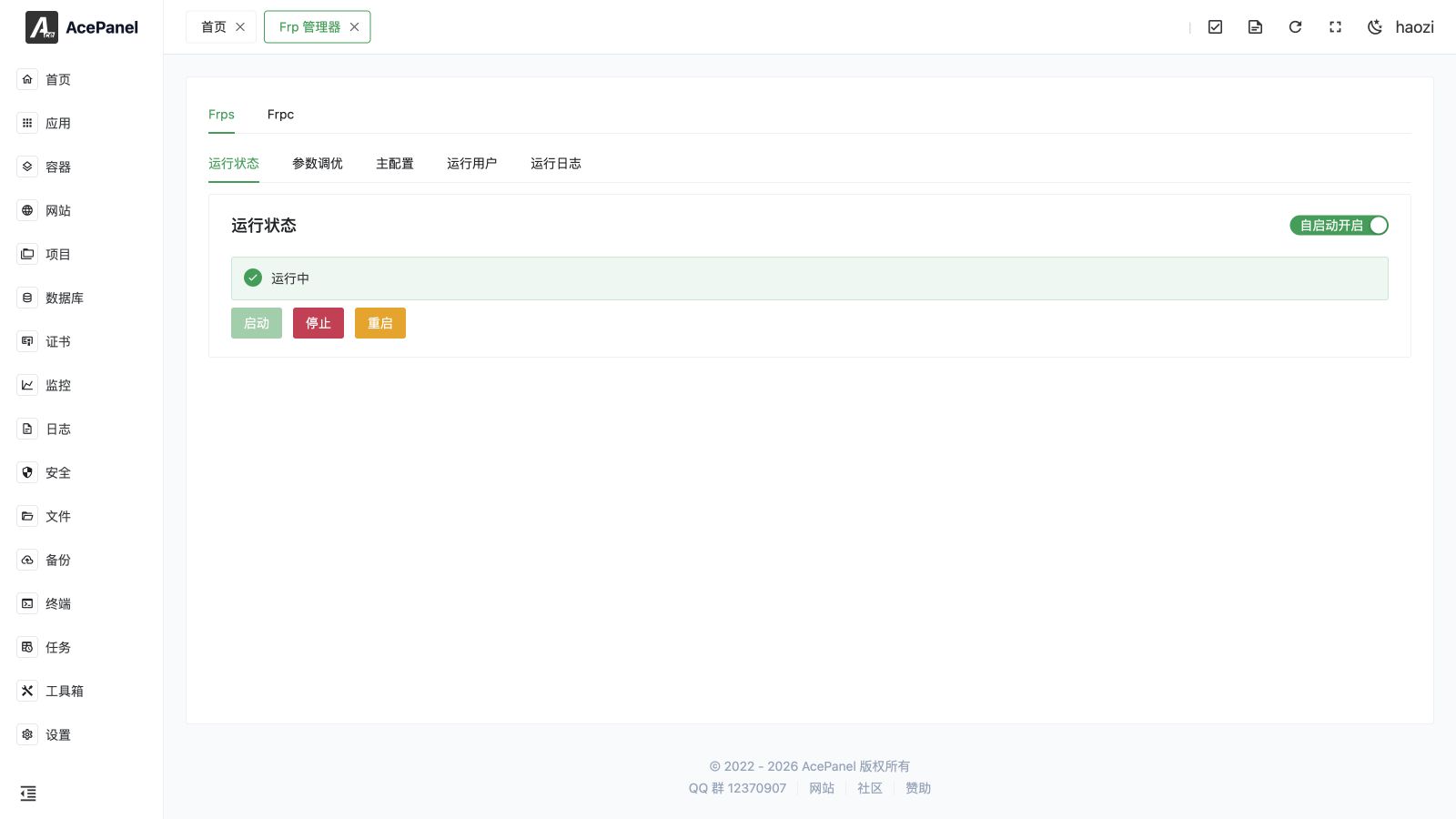
FRP is a reverse-proxy and tunneling system. AcePanel can manage both the server component (Frps) and the client component (Frpc) after the FRP native application is installed.
Use Frps on the publicly reachable server that accepts tunnel connections. Use Frpc on the machine that exposes a local service through Frps. A proxy publishes a client-side service; a Visitor is used by STCP or SUDP to reach a secret proxy without exposing it publicly.
Go to Apps > Installed > FRP > Manage.
Prerequisites
- Install the FRP native application on every participating server.
- Permit the Frps bind port, dashboard port, virtual-host ports, and any explicitly published remote ports in the system firewall and upstream security group.
- Use matching authentication and transport settings on Frps and Frpc.
- Keep the FRP version compatible across the server and clients.
Frps
The Frps manager includes Status, Parameter Tuning, Main Configuration, Run User, and Run Log.
Parameter tuning covers the commonly used server settings, including bind and virtual-host ports, authentication token or OIDC, TLS, transport limits, dashboard credentials, log level and retention, subdomain host, allowed ports, and HTTP plug-ins. Use Main Configuration when a valid FRP option is not exposed by the form.
Changing the run user changes the operating-system permissions available to FRP. Make sure the selected user can read the configuration and certificate files and bind the required ports.
Frpc
The Frpc manager adds Proxies and Visitors to the status, configuration, user, and log tabs.
Proxies
Create the proxy type that matches the service and exposure model:
| Type | Typical use |
|---|---|
| TCP / UDP | Publish a local TCP or UDP service on a remote port. |
| HTTP / HTTPS | Route by domain through the Frps virtual-host ports; supports locations and request headers. |
| STCP / SUDP | Secret TCP or UDP service reachable only through a configured Visitor. |
| XTCP | Peer-to-peer TCP traversal where the network permits it. |
| TCPMux | Share a TCP multiplexer listener for supported protocols. |
Depending on the type, the form exposes local address and port, remote port, domains, locations, host-header rewrite, request/response headers, TLS, encryption, compression, bandwidth limits, load balancing, group keys, health checks, plug-ins, annotations, and metadata.
Visitors
A Visitor pairs with an STCP or SUDP proxy using the same server name and secret key. Configure its local bind address and port, then connect the local application to that address. A Visitor does not create a public Frps listening port.
Common Workflow
- Configure and start Frps, then confirm the bind port is listening.
- Configure Frpc with the Frps address, port, and matching authentication.
- Create one proxy and select the correct transport type.
- Add a health check for services that may be unavailable while Frpc remains connected.
- Save, restart Frpc when requested, and watch Run Log.
- Test from a network outside the client server.
Safety and Troubleshooting
- Dashboard and Admin API endpoints are administrative surfaces. Bind them to a private address or protect them with firewall rules and strong credentials.
- A saved configuration can still fail at runtime because of an occupied port, DNS, certificate permissions, or a server/client mismatch. The run log is the source of truth.
- Do not publish databases, SSH, or admin interfaces directly to the internet without an allowlist and an additional authentication layer.
- When editing raw configuration, keep the TOML syntax valid. Use the visual form for supported options to reduce configuration errors.