
Supervisor Manager
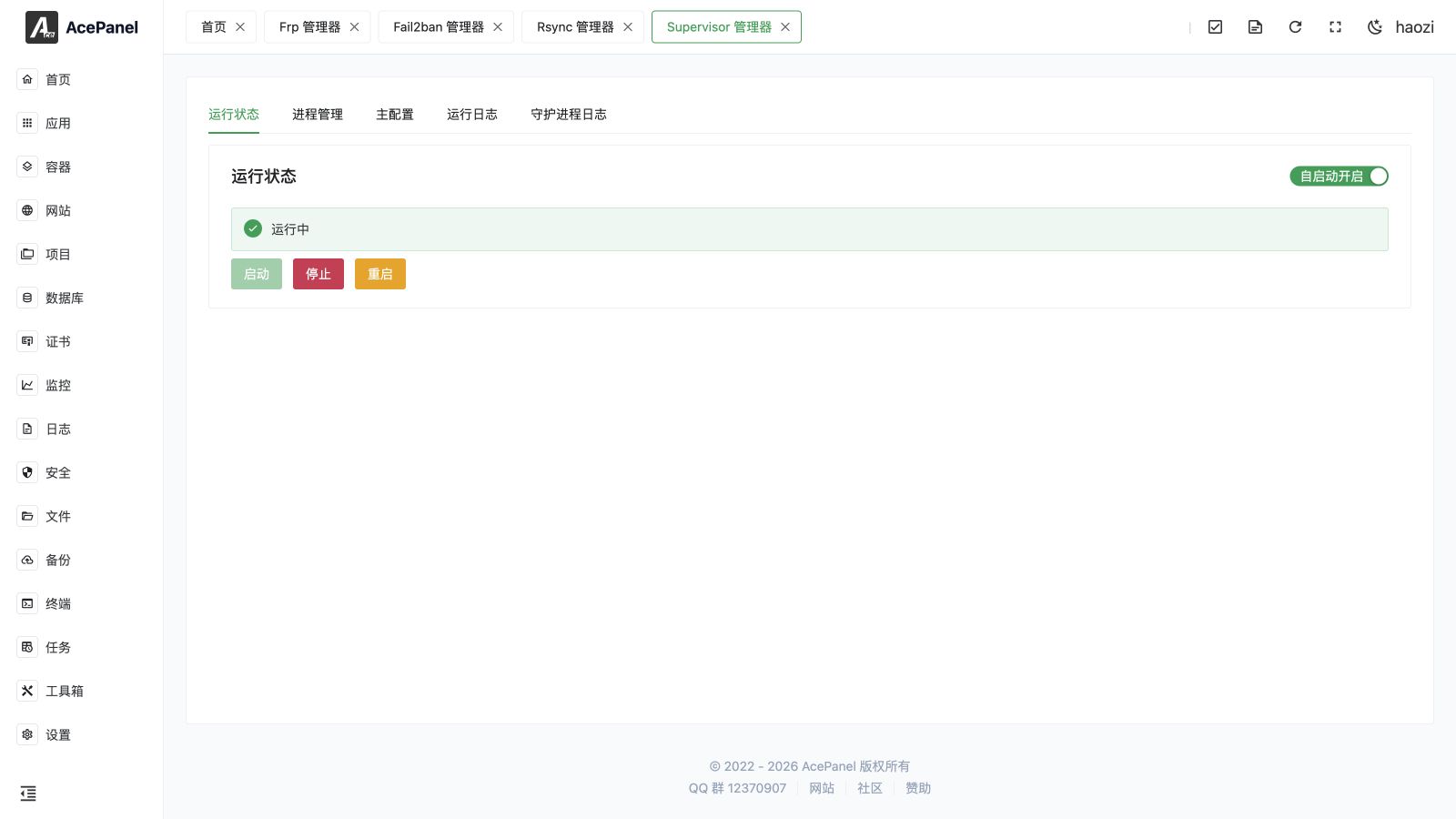
Supervisor keeps long-running commands alive and restarts them according to a process policy. The AcePanel manager controls the Supervisor daemon and its programs after the native application is installed.
Go to Apps > Installed > Supervisor > Manage.
Manager Tabs
| Tab | Purpose |
|---|---|
| Status | Start, stop, restart, and inspect Supervisor. |
| Processes | Create, start, stop, restart, edit, and delete programs. |
| Main Configuration | Edit daemon-wide Supervisor configuration. |
| Run Log | View panel-managed service output. |
| Daemon Log | View Supervisor's own diagnostic log. |
Create a Process
Configure the executable command, working directory, run user, number of processes, automatic start and restart, start-success time, retry count, stop behavior, priority, process group behavior, log files and rotation, and environment variables. Advanced users can inspect or edit the generated raw configuration.
Use an absolute executable path and a dedicated unprivileged user. Put secrets in a protected environment file or secret store rather than in a command that can appear in the process list.
Common Workflow
- Run the command manually as the intended user and confirm it starts.
- Create a Supervisor process with its exact working directory and environment.
- Start the process and wait through
startsecsso Supervisor can classify it as running. - Review the process log and daemon log.
- Test one controlled restart and verify the expected number of workers.
Important Options
- Automatic start starts the process when Supervisor starts.
- Automatic restart restarts the process according to its exit status and policy.
- Retry count controls repeated startup attempts; it does not make an unhealthy application healthy.
- Priority controls Supervisor's start and stop order.
- Stop as group / kill as group is important for commands that spawn child processes.
- Log rotation prevents stdout and stderr logs from growing without limit.
Deletion and Troubleshooting
Deleting a process removes its Supervisor configuration. It does not delete the application directory, but it can interrupt a production service immediately. Stop traffic or provide another instance before deleting.
If a process cycles between starting and exited, check the command, user permissions, working directory, environment, port conflicts, and application log. Use Daemon Log when Supervisor rejects or fails to load the configuration.