
Rsync Manager
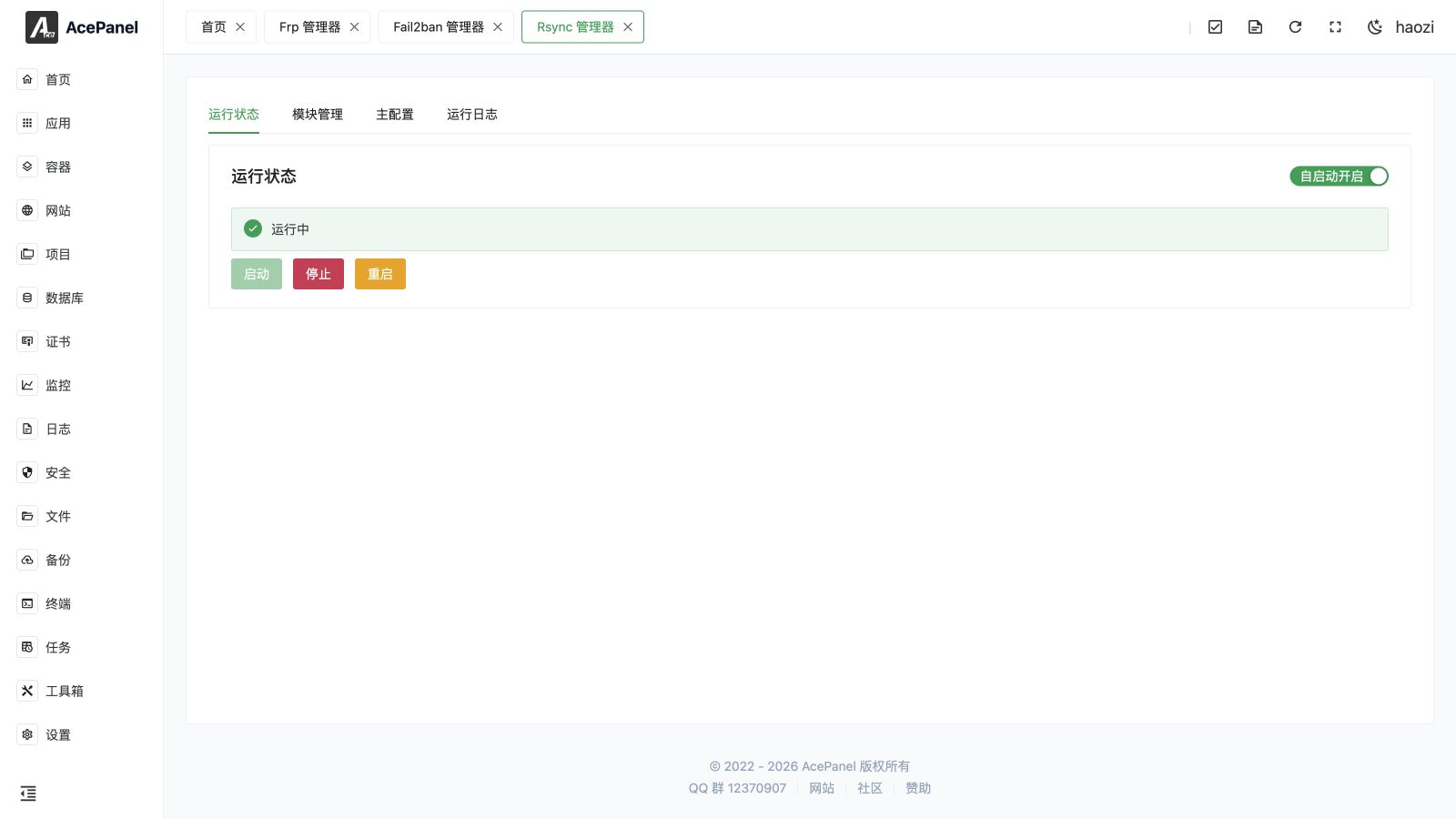
The Rsync manager publishes selected server directories as authenticated rsync modules. Use it for controlled file synchronization, mirrors, and backup feeds when rsync is an explicit requirement.
Go to Apps > Installed > Rsync > Manage.
Prerequisites
- Install the Rsync native application.
- Permit the configured daemon port only from the hosts that need it.
- Create a dedicated low-privilege operating-system user for sensitive directories when possible.
Manager Tabs
| Tab | Purpose |
|---|---|
| Status | Start, stop, restart, and inspect the daemon. |
| Modules | Create and maintain exported directory modules. |
| Main Configuration | Edit daemon-wide settings not represented by a module. |
| Run Log | Inspect startup, authentication, connection, and transfer failures. |
Create a Module
Each module has a name, directory, username, password, allowed hosts, read-only mode, and optional remark.
- The module name is the public rsync path component and should not expose a secret.
- The directory must exist and be accessible to the rsync daemon user.
- Allowed hosts should be a narrow IP or network allowlist.
- Enable Read Only for downloads and mirrors that must never modify the source.
- Store module credentials as secrets and do not embed them in public scripts or screenshots.
Example client form:
bash
rsync -av rsync://backup-user@example.com/module-name/ ./destination/Supply the password through an appropriately protected password file or an interactive prompt rather than a command-line argument.
Safety and Troubleshooting
- A writable module can delete or replace files when the client uses destructive synchronization flags. Test against disposable data first.
- The system firewall and cloud security group must both permit the daemon port.
- An authentication error usually indicates a module username/password mismatch; a permission error usually indicates filesystem ownership or daemon-user access.
- After editing raw configuration, restart the daemon and immediately check Run Log.