
Website Settings
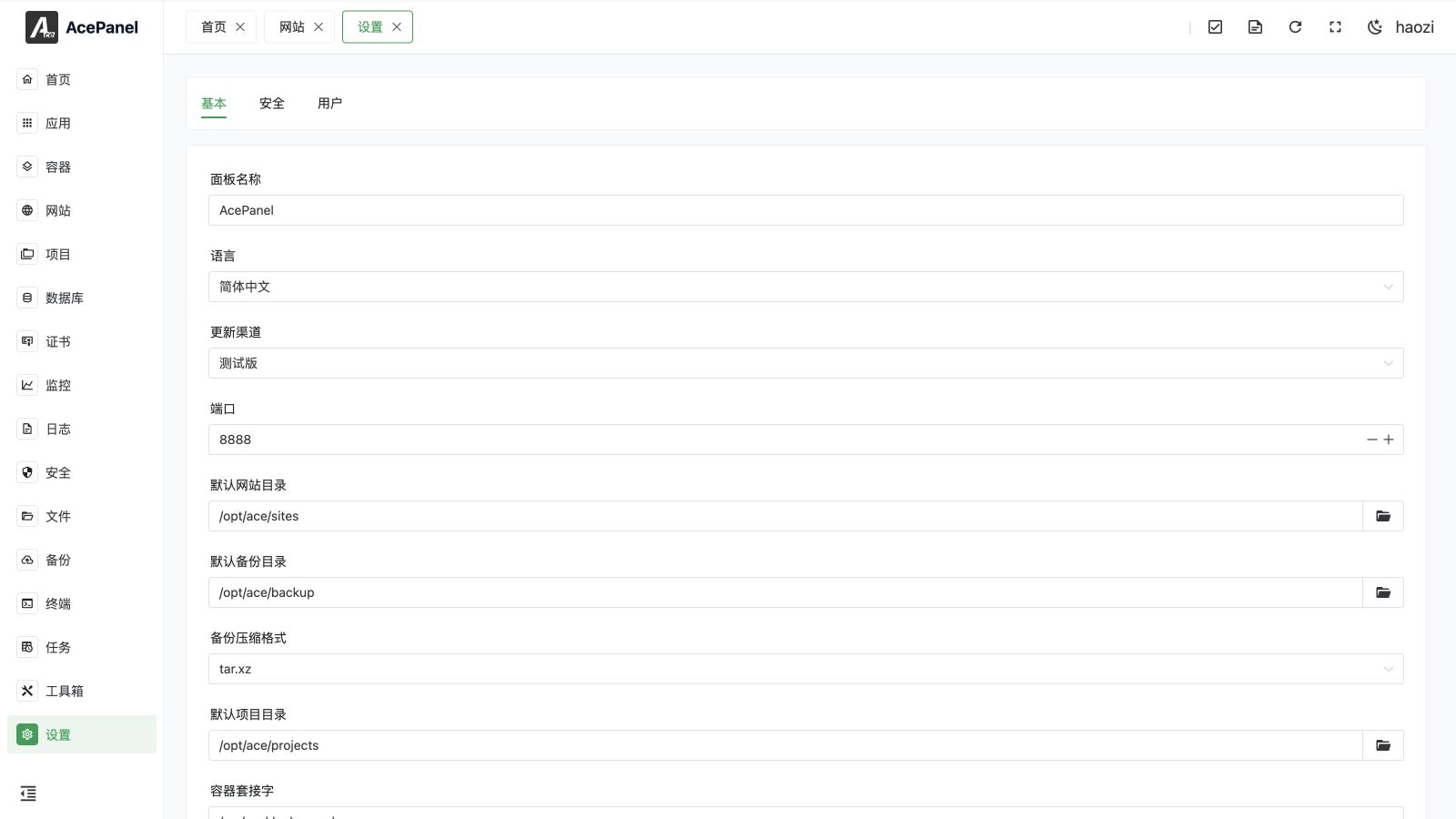
Website Settings controls defaults and global behavior shared by managed websites. Open Websites > Settings. These options are separate from the configuration of an individual website.
Tabs and Options
The page contains the default page, stopped-site page, 404 page, default site, default settings, and website-statistics options supported by the active Web server.
Default Site
On Nginx, OpenResty, or Caddy, a default site receives requests that do not match another configured domain. Select only a site designed for this purpose. A default site does not replace DNS, TLS certificate matching, or explicit domain configuration.
Default IPv6 Listening
On Nginx, OpenResty, and OpenLiteSpeed, the default IPv6 option controls how AcePanel creates or extends listen addresses:
- New websites receive the corresponding IPv6 listeners for all configured ports.
- When HTTPS is enabled on an existing website, AcePanel adds the IPv6
443listener according to this default.
Before enabling it, confirm that the server has working IPv6 routing, the firewall permits the ports for IPv6, and DNS AAAA records point to the correct address. An IPv6 listener can expose a service even when only IPv4 firewall rules were reviewed.
Default and Error Pages
Default, stopped, and 404 pages are global Web-server assets. Replacing them affects every website that inherits the corresponding page. Keep a copy of customized content before an application or Web-server update.
Statistics
Website statistics require compatible access logging. Disabling or customizing logs at the individual website level can make the statistics incomplete.
Website Type Changes
An existing reverse-proxy, PHP, or pure-static website can be changed to another of those three types. AcePanel preserves common website data, including domains and files, but deletes the old type-specific configuration and rebuilds the new type's configuration.
Before changing a type
Back up the website configuration and files. Upstreams, proxy rules, PHP-runtime settings, rewrites, and other type-specific fields are not guaranteed to survive the conversion. Run the configuration test and verify the site immediately afterward.
Pure-static websites enable SPA fallback by default. Review that behavior when converting a traditional static site, because unknown paths may be served by the application entry page instead of returning 404.
Configuration Validation
AcePanel tests the Web-server configuration before applying a change. When the test fails, the dialog shows the Web server's concrete error. Fix the named file, directive, port, or certificate problem instead of repeatedly submitting the same configuration.
See Website Overview, Reverse Proxy, PHP Website, Static Website, and Certificates.