
Benchmark Test
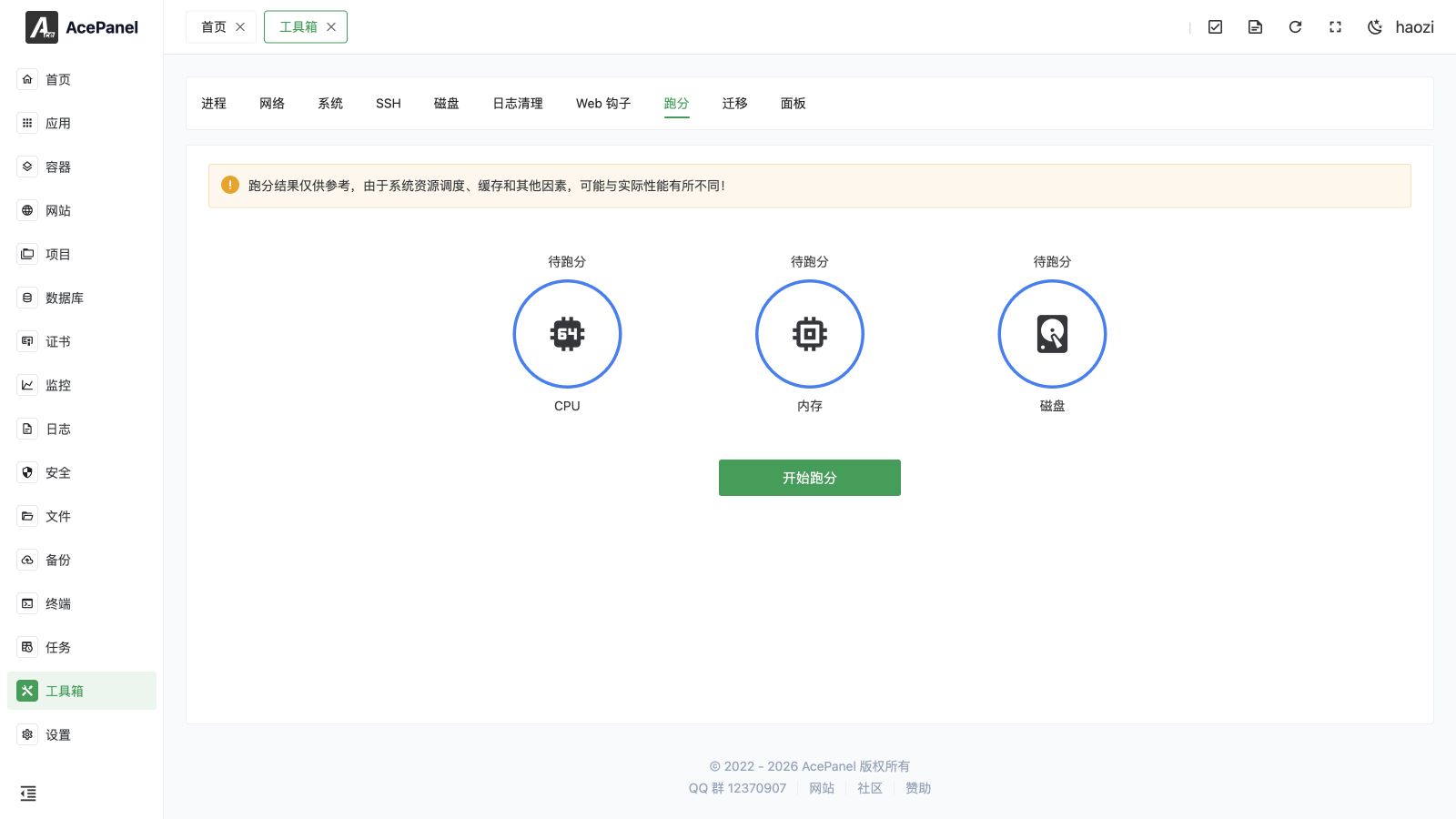
The benchmark feature is used to test the CPU, memory, and disk performance of the server, helping you understand the actual performance of your server.
Test Items
CPU Test
Evaluates processor performance by running seven independent workloads. The CPU score is the sum of the scores of all sub-tests:
- Image Processing: Generates an image and applies a convolution (blur) filter
- Machine Learning: Performs large matrix multiplication
- Program Compilation: Computes large Fibonacci numbers
- AES Encryption: Encrypts a large data block with AES-GCM
- Compression/Decompression: Compresses and decompresses data with gzip
- Physics Simulation: Runs an N-body gravitational simulation
- JSON Parsing: Serializes and deserializes a large JSON structure
Memory Test
Evaluates the memory subsystem by measuring memory bandwidth (in MB/s) and memory access latency (in ns), and produces a memory score.
Disk Test
Evaluates storage I/O performance by measuring read and write speed at three block sizes (4KB, 64KB, and 1MB) using direct I/O, and produces a disk score.
Usage
Click the Start Benchmark button, and the system will execute the CPU sub-tests, memory test, and disk test in sequence, showing the current item and overall progress. After the tests are completed, the aggregate CPU, memory, and disk scores are displayed; hover over a score to view the detailed metrics of each test.
Result Explanation
Benchmark results are displayed as numerical values, with higher values indicating better performance.
Note
Benchmark results are for reference only. Due to system resource scheduling, caching, and other factors, test results may differ from actual performance in use.
Testing Recommendations
CPU, memory, and especially disk benchmarks create temporary load and can compete with websites, databases, containers, and backups. Run them during a maintenance window, one test at a time, with enough free disk space. Do not benchmark a production database volume during peak traffic.
- Close unnecessary services and processes before testing
- Avoid testing during peak business hours
- Multiple tests averaged are more accurate
- Test results may fluctuate at different times
Performance Optimization Reference
If benchmark results are not ideal, consider:
- Low CPU performance: Check if any process is using too much CPU
- Low memory performance: Check memory usage, whether there are memory leaks
- Low disk performance: Check disk health status, consider upgrading to SSD