
Alerts
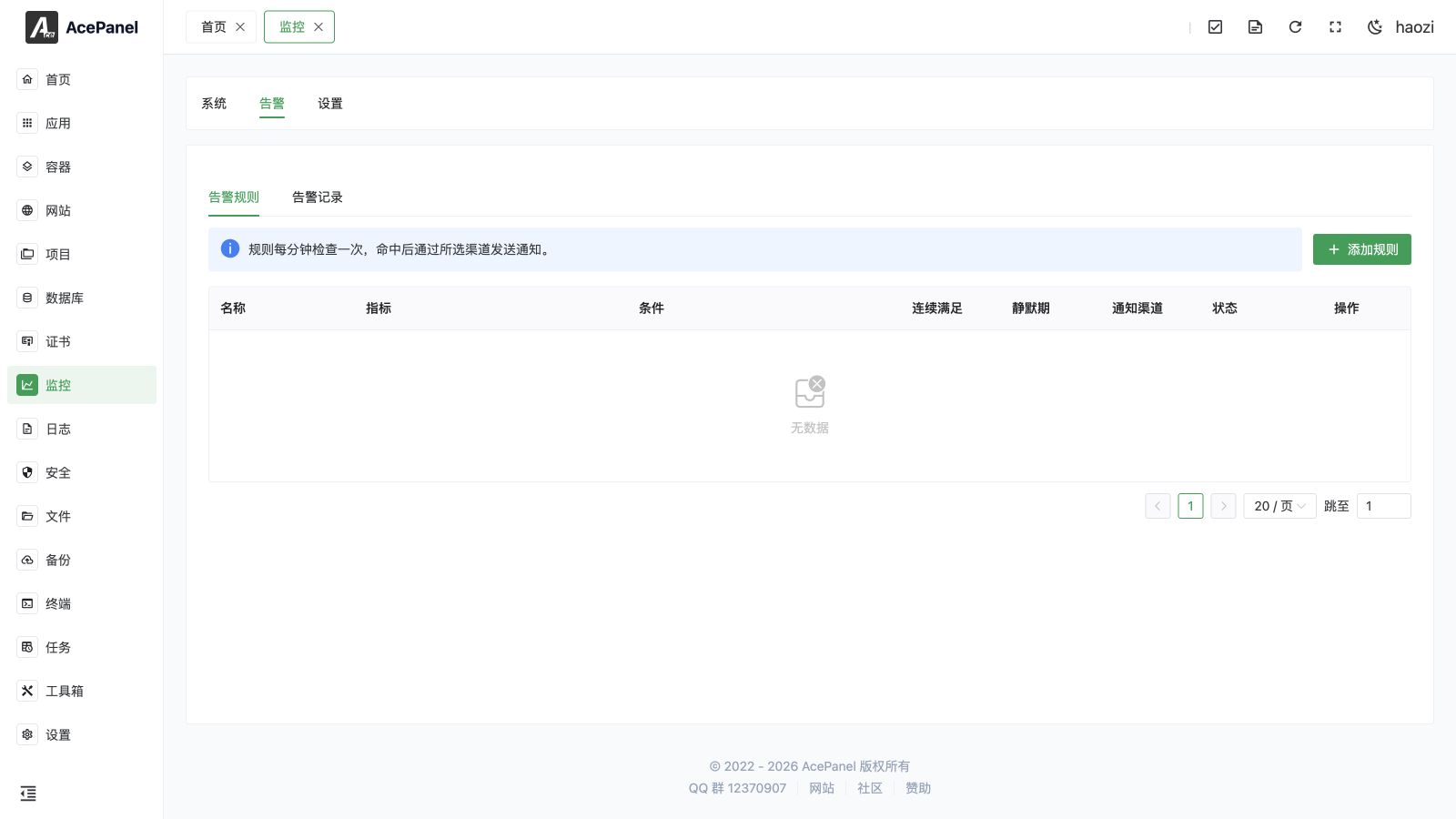
Alerts evaluate server and managed-resource metrics every minute and create a record when a rule remains true for the configured number of consecutive checks. Open Monitoring > Alerts and switch between Rules and Records.
Rule Fields
| Field | Meaning |
|---|---|
| Name | Human-readable purpose of the rule. |
| Metric | The value or resource state to evaluate. |
| Target | Resource selected by metrics that apply to a specific disk, network interface, website, service, project, container, app, database, or certificate. |
| Operator and threshold | Comparison and value that must be true. Units depend on the metric. |
| Consecutive checks | From 1 to 60 one-minute evaluations. It prevents a single sample from triggering a noisy alert. |
| Silence period | From 0 to 1440 minutes. Matching events are still recorded, but repeated notifications are suppressed. |
| Notification channels | Zero or more enabled SMTP channels. A rule with no channel records alerts without sending a message. |
| Enabled | Whether the rule is evaluated. |
Supported Metrics
AcePanel provides 21 alert categories:
| Category | Metrics and typical unit |
|---|---|
| Compute | CPU usage (%), memory usage (%), Swap usage (%), load 1/5/15 (load value). |
| Disk | Disk space (%), inode usage (%), disk read and write throughput (bytes/s). Select a disk when required. |
| Network | Inbound and outbound throughput (bytes/s). Select an interface when required. |
| Website | HTTP 5xx count/rate, website error state, and website days remaining. |
| Managed resources | Service, project, container, application, and database state. Select the concrete target. |
| Certificate | Certificate days remaining. |
The form shows the target selector and unit appropriate to the selected metric. Do not copy a numeric threshold from a percentage rule into a throughput, load, or remaining-days rule without reviewing the unit.
Common Workflow
- Configure and test an SMTP channel in Monitoring Settings.
- Create one rule with a descriptive name and the narrowest correct target.
- Set a threshold and consecutive-check count that represent a real incident.
- Choose a silence period that avoids duplicate messages without hiding a long outage.
- Save the rule and confirm it appears as enabled.
- Review Records after a controlled threshold test.
Records and Notification Semantics
Alert records are the audit trail of rule evaluations that triggered. A silence period suppresses additional notifications for the same rule; it does not discard records. Selecting no channel is useful when you want a record but no outbound message.
If an alert never arrives, check the rule status, target, unit, consecutive-check count, silence period, channel enablement, and SMTP test result. For application failures, also open the corresponding service or task log.